
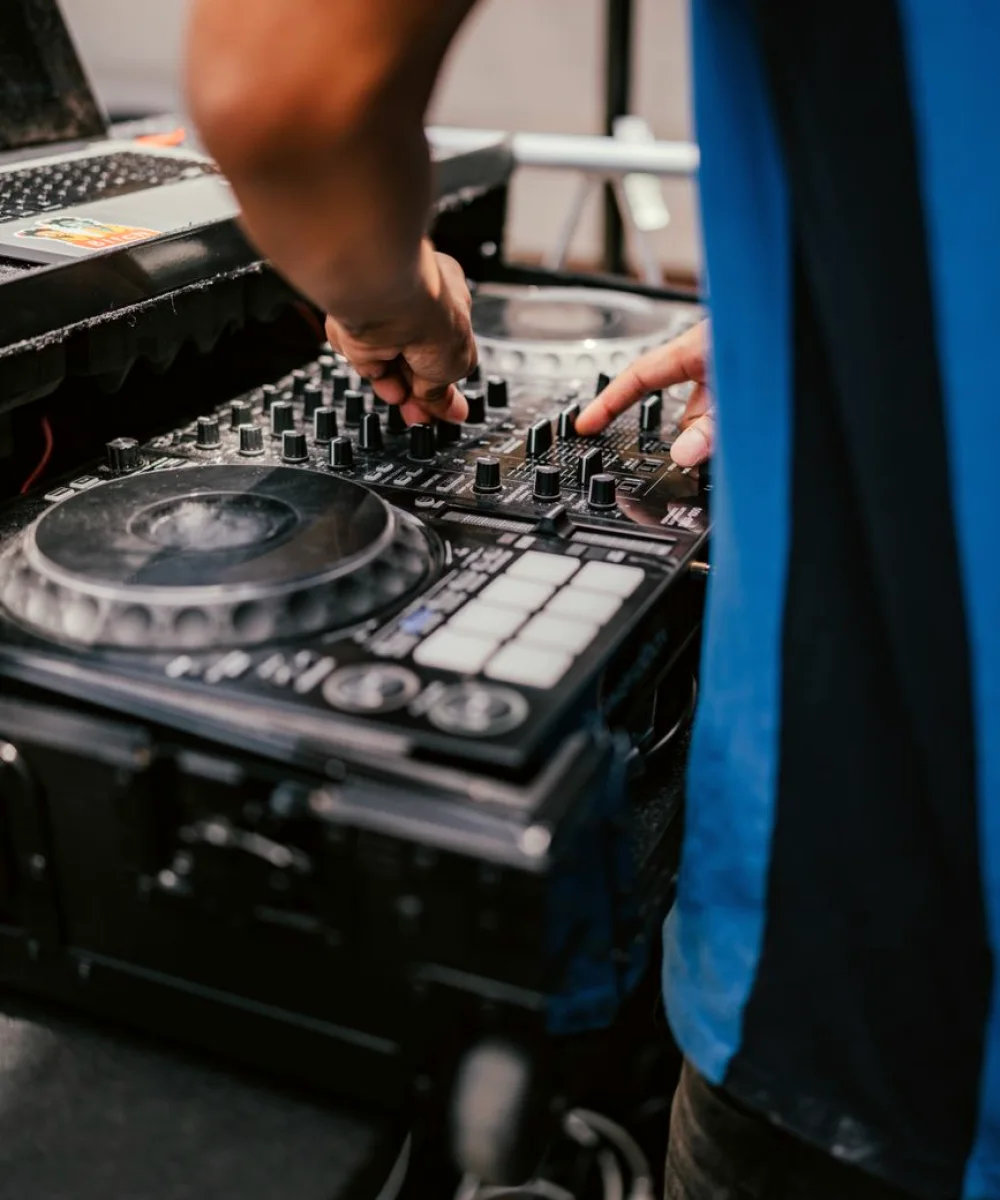
The question behind most of our enquiries
The short version is that drift and fixed delay are two different problems, and they have different causes. A fixed offset means something in the chain is taking a constant amount of time to process. Drift means two parts of the chain are running on clocks that disagree. Once you know which one you have, the search narrows quickly.
This article covers the practical side: how to tell the two apart, where delay tends to hide in a studio, and what to check first in these darker autumn weeks when many teams are back in the gallery after quieter months.
Fixed delay or drift: telling them apart
Start by watching the error over time. If the lip-sync is wrong by the same amount at the beginning and the end of a long recording, you have a fixed delay. Video processing, such as scaling, frame stores or format conversion, usually takes longer than audio processing, so the picture arrives late and the sound seems early.
If the error grows during the recording, you have drift. The picture and sound began aligned, then separated by a frame or two over an hour. That points to devices running on independent clocks, where one produces slightly more or fewer samples or frames than the other over time.
A simple test settles it. Record a clap or a flash-and-beep reference at the start and again at the end of a long take, then compare the offset in an editor. Two measurements are enough to tell you whether to chase a delay or a clock.
- Same error at start and end: fixed delay in the chain
- Error that grows with time: clocks not locked together
- Error that changes when a source is switched: a path-specific delay
Where delay hides in a studio chain
Delay rarely sits in one obvious place. Every device that handles video adds latency, and every device that handles digital audio adds some too, but the amounts differ. A vision mixer with frame synchronisers on its inputs, a graphics engine, a conversion box feeding a monitor wall: each is a small contributor, and together they can reach several frames.
Audio has its own sources of lag. Digital mixing desks buffer samples, wireless microphone systems add a little, and any sample-rate conversion adds more. Embedded audio that is de-embedded, processed and re-embedded along the way can pick up a delay that no one noticed because the meters looked healthy.
The practical habit is to draw the signal path on paper, device by device, and write the known latency beside each. Where a figure is missing, that device is your first candidate for measurement rather than assumption.
Locking the clocks: the cure for drift
Drift is nearly always a reference problem. In a studio, video equipment should be driven from one common reference, and digital audio equipment should follow a reference derived from it or locked to it. When a desk or a recorder runs free on its own internal clock, it will sooner or later disagree with the rest of the chain.
Check each device in turn and confirm which reference it is actually following, not which one it is set to follow. A unit that has lost its reference signal will often fall back to its internal clock without any visible warning, and the fault then appears only on long programmes.
Pay particular attention to the edges of the system: a remote contribution feed, a standalone recorder, a laptop capturing a backup. These are the devices most often left unlocked, and they are where an otherwise tidy studio picks up its mysterious creeping offset.
- Confirm every audio device shows a locked reference
- Check recorders and laptops used for backup capture
- Re-test after any change of cabling or patching
Correcting an offset once you have measured it
When the cause is a fixed delay, the usual remedy is to delay the audio to match the picture. Most desks and many processors let you add a delay in milliseconds or frames on a specific channel or bus. Apply it where it affects only the path that needs it, so that feeds already in time are not pushed out the other way.
Resist the urge to correct by ear alone. Lip-sync judgement varies between people and tires over a long session. Use a measured reference, make the adjustment, then check it again with a fresh clap or a test sequence, and confirm it on the actual output, not only on the monitoring path.
Write the figure down and label it in the desk notes. A delay value that lives only in one engineer's memory is lost the next time the show is rebuilt, and the same hunt begins again.
A short routine before every live show
Most sync trouble caught early costs a few minutes; caught during transmission it costs far more. A brief routine at the start of the day keeps the problem small. Begin by confirming that the reference is present and that every device reports being locked to it.
Then run a reference sequence through the whole chain, from microphone to final output, and measure the offset at the end. Do it again through each alternate source the show uses, because a camera path and a playback path often differ. Note the results beside the date.
Finally, plan a second check partway through any long programme. If the offset has moved, you have drift and a clock to find; if it has not, you can trust the chain and keep your attention on the show.
- Reference present and locked on all devices
- Measured offset noted for each source path
- A second check planned for long programmes
When audio and picture part company, resist guessing. Decide first whether you are facing a fixed delay or genuine drift, measure the error at two points in time, and then work along the chain with a drawn path and known latencies. Lock the clocks, delay only where it is needed, and record every figure you set. A routine check before each show turns a recurring headache into a few quiet minutes.
Further reading
-

Live Production Workflows: Mistakes That Cost Shows and How to Avoid Them
Most live show failures start in planning, not on the night. These are the routing, cueing and recording mistakes we see most often, and the checks that stop them reaching air.
-
What Stage Lighting Design Costs and What Moves the Price
A plain look at how lighting design is priced for studio and live work, which decisions push the figure up or down, and what to settle before asking anyone for a quote.
-

Hardwired or IP: Choosing a Signal Path for Live Shows
A comparison of SDI routing and IP-based transport for a live studio show, with a plain recommendation for small and mid-sized teams planning their next production.