A look at the settings, equipment and working methods behind our guides and reviews, shown through the scenes our consultants spend their days in.
In the studio
Scenes from the work behind our guides
These images show the kinds of rooms, equipment and tasks our guidance deals with. Each caption explains what is being done and why it matters to the finished picture and sound.
01
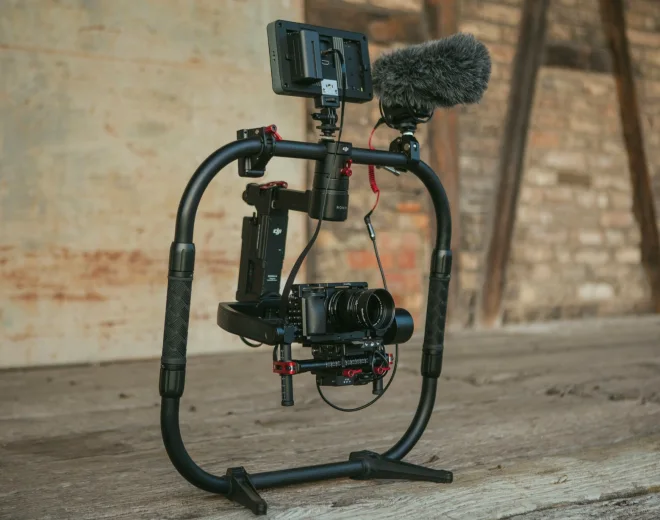
Camera on pedestal, checking height and balance
Before any picture settings are touched, the camera must sit level and balanced on its pedestal. We check head friction, cable drag and shot height so operators can move smoothly through a whole show.
02
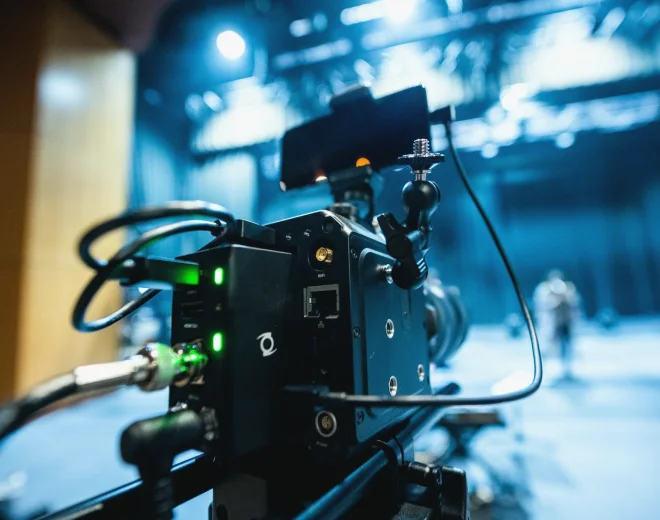
Overhead rig during a lighting plot review
A lighting plot is checked against the real rig: fixture positions, barn doors, colour temperature and dimmer channels. Mismatches between paper and grid are among the commonest causes of uneven faces on screen.
03
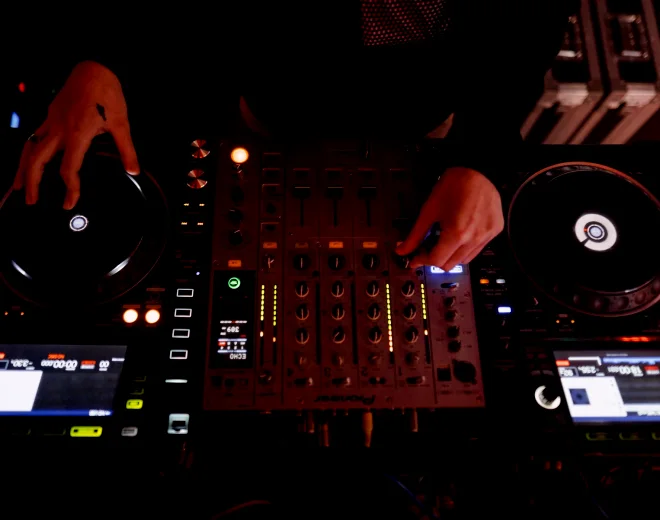
Mixing desk during a sync and level check
Levels, routing and delay compensation are examined at the desk. We trace each microphone to the output and listen for timing offsets against the video feed before changing any settings.
04
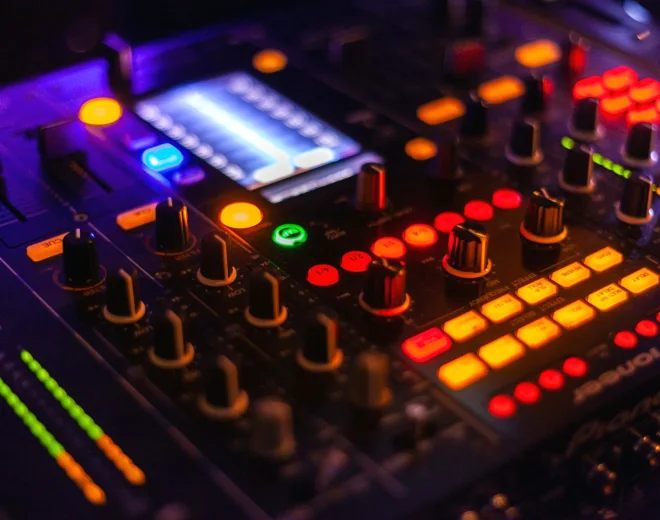
Vision mixer and monitor wall in the gallery
Gallery reviews look at how the vision mixer, multiviewer and tally are laid out, and whether the director and mixer see the same information at the moment a cut is called.
05
Crew running a cueing rehearsal for a live show
Cue sheets, intercom calls and graphics triggers are rehearsed together. Small changes in who calls what, and when, often remove hesitations that viewers notice as awkward gaps.
06
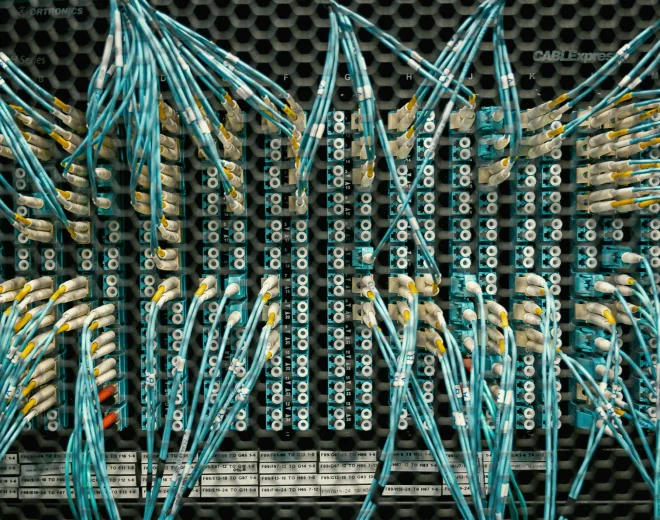
Cable and signal routing in the equipment room
A tidy, labelled patch bay makes faults far quicker to find. We map where each feed goes, note any conversions on the way and mark the points where timing can slip.
Working notes
How we approach the equipment in front of us
Good studio results come from small, repeatable decisions rather than dramatic changes. These notes describe how our consultants think about a room when they walk into it, and what they look at first.
01
Start with the picture
We begin with what the audience sees. A camera chain is judged on its output: exposure, colour match between cameras, focus behaviour and how skin tones hold under the lighting. Only then do we look backwards through the lenses, camera control and cabling to find the cause of any difference. This order stops teams from adjusting settings that were never the problem. It also gives crews a common reference when several people are tuning the same studio.
02
Measure before changing
Timing and level problems are easy to blame on the wrong device. We measure drift, latency and loudness at several points in the chain and record the figures in plain notes. A change is made only once the measurements point to where the fault sits. After the change, we measure again, so the improvement is shown rather than assumed. Crews keep the notes and can repeat the checks when equipment is replaced or moved.
03
Leave the team able to repeat it
Our aim is that you do not need us for the same task twice. Each piece of work ends with written steps in the order your crew would perform them, using your own equipment names and labels. We prefer short checklists to long manuals, and we test them by asking someone who did not attend the review to follow them. Where a step is unclear, we rewrite it until a new crew member can carry it out.
Service in focus
Audio Synchronisation
This service is for studios and live teams where sound and picture drift apart, or where several microphones and feeds arrive at the desk at different times. Thomas Whitcombe leads it, working through the audio chain stage by stage.
We draw every path from microphone to recording or transmission, including converters, embedders and network hops. This shows where delay can enter and which devices need compensation settings.
02Measuring latency and drift
Using test signals and a reference picture, we measure how far sound lags or leads at several points. Drift over time is checked separately from a fixed offset, because they have different causes.
03Correcting at the right point
Delay is added or removed where it is least disruptive, usually at the desk or a dedicated delay unit. We record each setting so it can be restored after a power cycle or equipment swap.
04Writing a sync check routine
You receive a short routine to run before each show, covering a clap or test tone check and what the results should look like. It lets your crew catch a problem before the audience hears it.
Bring the signal flow, a list of devices with their firmware versions where known, and a recording that shows the fault. A short clip is usually enough to begin.
journylo is an Oxford-based resource on broadcast technology and studio production, offering practical guides and consultancy on cameras, lighting, audio sync and control rooms.