
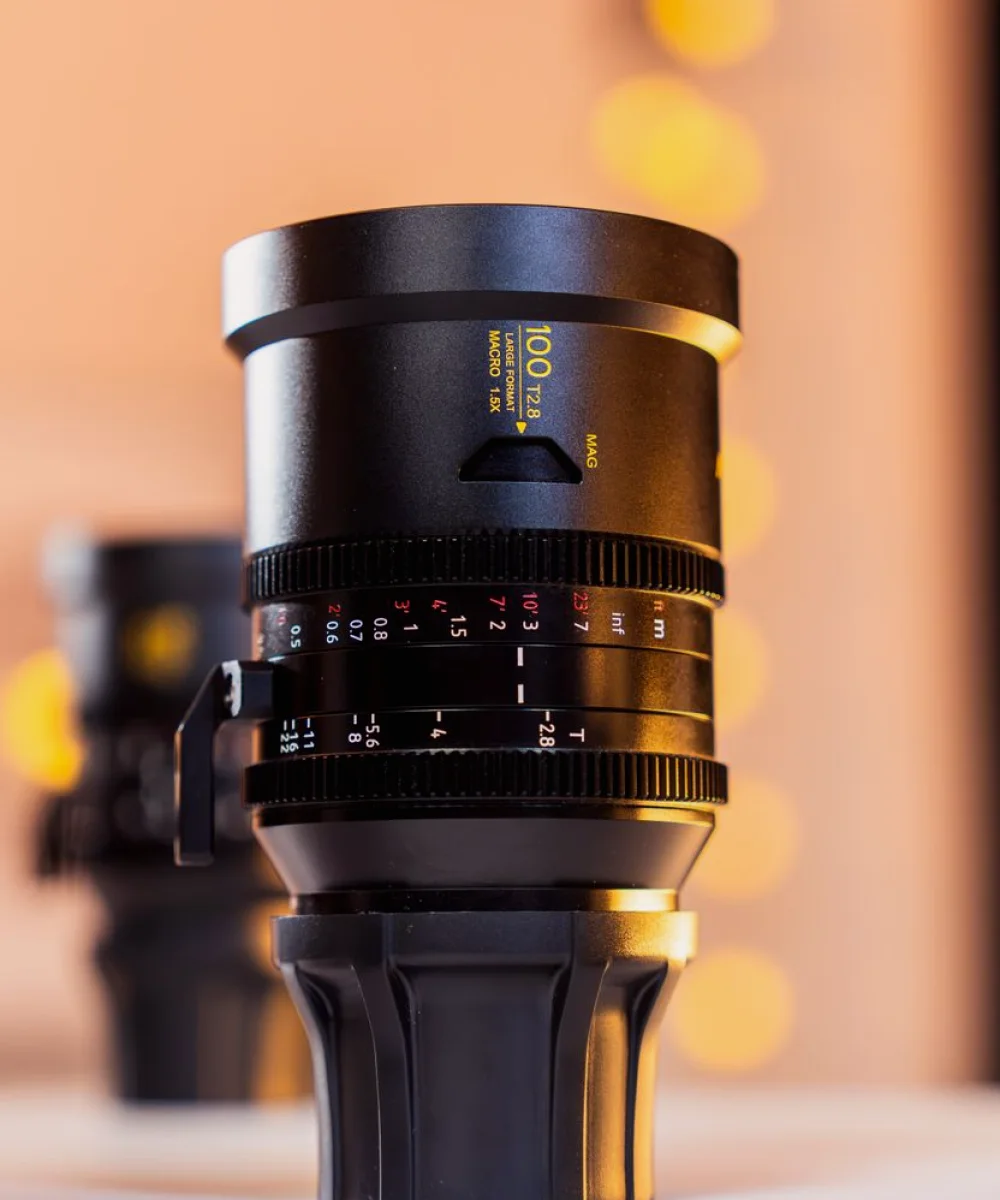
Why we reopened the guides this autumn
The old guides grew one topic at a time, as questions arrived. They were accurate, but a reader had to know what they were looking for. A new studio team, or an engineer taking over a gallery they did not build, often did not. So the work this autumn was less about adding facts and more about putting the existing ones in a sequence that matches a real setup day.
We kept the content that readers told us they trusted and trimmed repetition between pages. Nothing has been removed that an engineer would miss at the pedestal.
A new running order for a setup day
The guides now follow the order in which a studio camera is brought to life. First the physical build: pedestal, head, balance and cable routing. Then the lens, covering back focus, zoom and focus demands, and the checks that show whether a lens is behaving before anyone touches the picture.
After that comes tally, then camera control, and only then picture matching. This order matters because each stage depends on the one before it. Trying to match colour on a camera whose iris control is unreliable costs time and gives results nobody trusts the following morning.
Each stage ends with a short statement of what should be true before you move on, written in plain terms so that a producer standing nearby could follow what the engineer is confirming.
- Build and balance the camera before any electronics
- Confirm lens behaviour before adjusting the picture
- Check tally end to end, not just at the camera
- Set up control, then match cameras to each other
Tally and camera control get their own pages
Tally was previously a paragraph inside a longer page. It now has its own guide, because the faults it produces are disproportionately annoying: a presenter reading the wrong camera, a red light that lags a cut, or a light that works on one input and not another. The guide walks through where the signal originates, how it reaches the camera, and a sensible order for testing each link.
Camera control has been split in the same spirit. We describe what a control unit can and cannot change, which settings belong to the camera and which to the control system, and how to keep a written record of the values you chose. That record is the thing most teams lack when a camera is swapped halfway through a run.
We have also added notes on what to do when two control systems disagree, since that situation appears more often than people admit.
Consistent pictures across a multi-camera set
The goal of all this is consistency: several cameras that cut together without the viewer noticing. The revised guides treat matching as a short, repeatable routine rather than an art. You fix exposure reference and white balance first, agree a common set of picture settings, and then check against a chart and a familiar skin tone under the actual studio lighting.
We stress doing this under the lighting the show will use. A match made under work lights can fall apart the moment the rig is brought to its show levels, and our lighting colleagues rightly point out that colour temperature on dimmed fixtures shifts as well.
Where a guide gives a figure, it is a starting point to be checked on your own equipment, and the text says how to check it.
- Match under show lighting, not work lights
- Use the same chart and framing on every camera
- Write down the final values before you leave
How to use the guides if you are short of time
Not everyone reads a guide from the top. If a camera has just misbehaved on a live day, go to the stage where the fault appears, read the short checklist at the end of that stage, and work backwards if it does not explain the problem. We have written each page to stand on its own for exactly this reason.
If you are preparing for a new studio or a refit, read the whole sequence once and print the running order. It makes a useful agenda for the setup day and gives a junior colleague something concrete to follow.
Teams who want a second pair of eyes on their own configuration can contact us through the contact page. We will say what we would check first and in what order.
What we plan to keep improving
These guides are never finished, because studios change and so do the questions people send us. Our approach is to correct anything that proves unclear in use, and to say plainly when a method depends on a particular type of equipment rather than pretending it applies everywhere.
If you find a step that did not match what you saw at your own camera, tell us. Priya reviews technical corrections and I check anything touching timing between cameras and audio. A good guide is one that has been argued with by people who use it daily, and we would like yours to be among those arguments.
The reworked Camera Configuration Guides follow the real order of a setup day: build, lens, tally, control, then matching under show lighting. Use them as a checklist before a run or as a reference when something goes wrong, and send us a note if a step does not hold up at your own camera. We read every correction.
Further reading
-
The Tools We Use to Review a Working Gallery
A look at the checklists, signal tools and monitoring methods we rely on when reviewing control room workflows, and why we keep the kit list short and the method clear.
-
A Gallery Review for a Regional Studio: Dan's Case
One customer case from these autumn weeks: how a small regional studio team worked through vision mixing, intercom and monitoring habits in their gallery, and what changed on the next live show.