
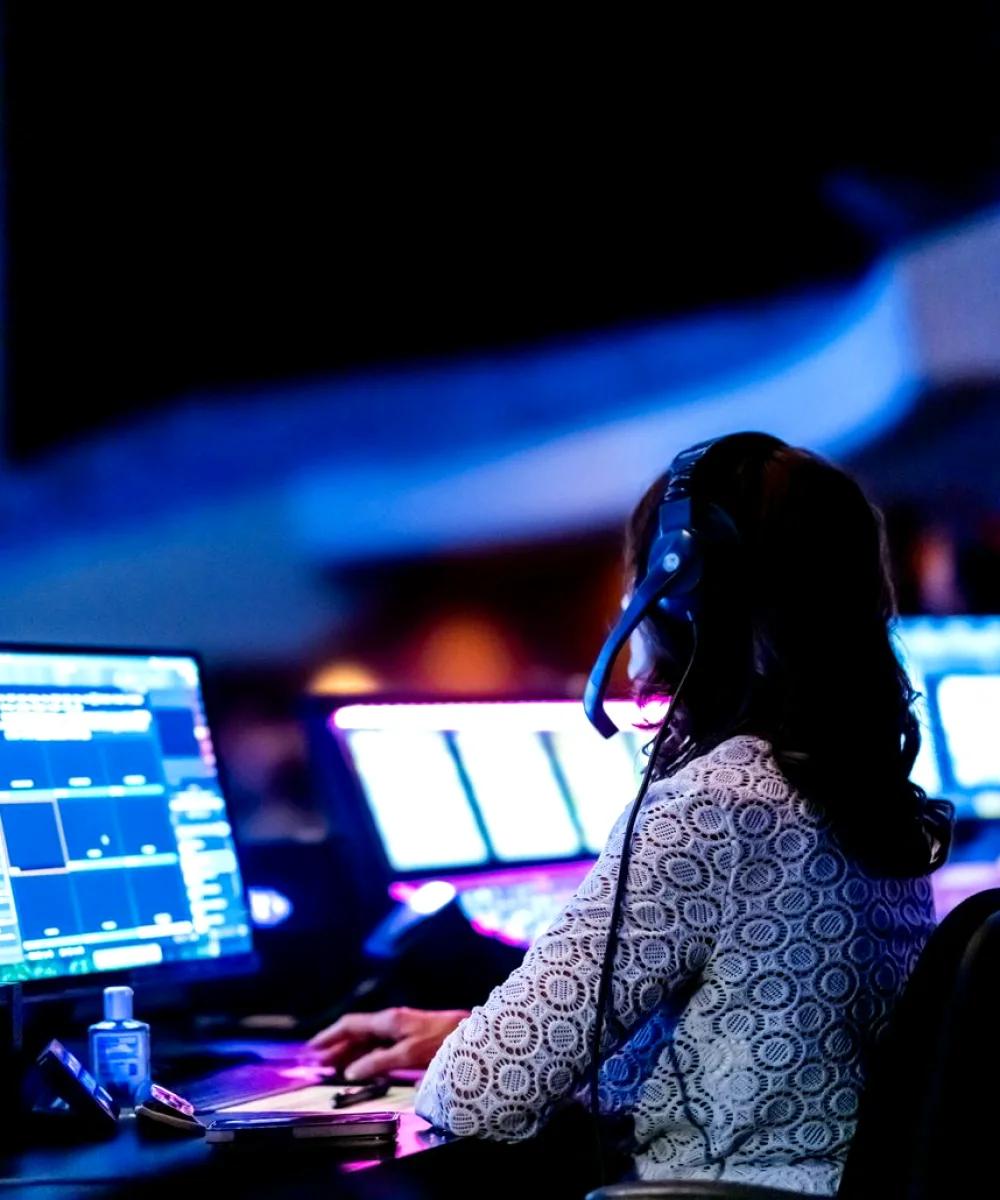
Why we start with a method, not a kit list
We begin by watching a normal run of the show without interrupting. Only afterwards do we ask questions. This keeps us from steering the crew towards tidy behaviour that disappears the moment we leave. A quiet observation pass, a written set of notes and then a conversation has served us well since 2016, and it is the backbone of every control room review we carry out.
- Observe a full rehearsal before asking anything
- Write notes in real time, sorted by position
- Discuss findings with the whole crew, not just the director
The paper tools: cue sheets, run orders and position maps
The humble run order is the most useful document in any gallery. We ask for the current version, then compare it with what the crew actually works from, which is often a marked-up copy with changes nobody has filed. The gap between the two tells us where communication breaks down and which late changes keep catching people out.
We also sketch a position map on paper: who sits where, who can see which monitor, who can speak to whom without leaving their seat. It sounds basic, yet it often reveals that a graphics operator cannot hear the director or that the producer's talkback sits behind the vision mixer's elbow. A pencil and a clipboard find these problems faster than any software.
- Compare the filed run order with the working copy
- Sketch seating, sightlines and talkback reach
- Note every verbal cue that is not written down
Vision mixing: what we watch on the panel
Our attention on the vision mixer is less about the model and more about how it is configured. We look at the way sources are named and ordered on the bus, whether the layout matches the show's rhythm and how transitions and keys are stored. A well-labelled panel lets a relief operator step in without a briefing, which is a good test of whether the setup is clear.
We also check how the mixer handles the unglamorous moments: a camera dropping out, a late source swap, a graphic that arrives a few seconds early. Priya often joins this part of a review to compare the mixer's tally behaviour with what the cameras display. Mismatched tally is a small fault with large consequences for presenters who rely on it.
- Source names that match the run order
- Stored transitions and keys labelled by purpose
- Tally agreement between mixer and camera
Intercom and monitoring: the quiet sources of trouble
Intercom problems rarely announce themselves. A channel that is slightly too loud, a talkback button that needs a firm press, a party line shared by two departments who should be separate: each is a small irritation, and together they slow a crew down. We listen to a rehearsal through a spare headset and note how often people repeat themselves or talk over one another.
Monitoring gets the same attention. We check that the preview and programme outputs are clearly distinguished, that the multiviewer labels are readable from the director's seat and that audio metering is visible to those who need it. Where a monitor sits too high or too far, we suggest moving it, because tired eyes miss detail at the end of a long recording day.
- Separate channels for separate departments
- Readable multiviewer labels at the director's seat
- Audio metering visible from the vision mixer position
Graphics and playout checks we repeat every time
Graphics are where last-minute errors tend to land: a misspelt name, a lower third left on screen, a template that shifts when a longer title is typed in. Our review includes a short test pass with awkward text, long names and an out-of-order sequence, to see how the system and the operator cope. The aim is to learn the failure modes before a live show does it for us.
We then follow the path from graphics operator to the mixer, confirming that the key and fill arrive correctly and that the operator knows how to clear the output in a hurry. Thomas sometimes checks timing between graphics and audio, since a title that lands a beat late can feel wrong even when nobody can say why.
- Test long names, odd characters and rapid changes
- Confirm key and fill arrive cleanly at the mixer
- Rehearse the emergency clear of all graphics
Turning observations into a usable report
A review is only worth the paper if the crew can act on it. We write findings in plain language, group them by position and mark each as a quick fix, a change needing a conversation or something to plan for a later break in the schedule. We avoid long lists of everything that could be better, because a crew faced with fifty items does none of them.
Where we recommend a change, we explain the reason in a sentence and, if useful, suggest how to test it. Often the biggest gains come from small adjustments: a relabelled panel, a moved monitor, a clearer run order. We return to the gallery if the team asks, and we are happy for them to keep the notes as a working reference.
- Group findings by operator position
- Mark each item as quick fix, discussion or later plan
- Keep the report short enough to be read at the desk
The tools behind a good gallery review are mostly simple: a run order, a pencil, a spare headset and patient observation. We favour a clear method over a long kit list because it can be repeated and explained to the whole crew. If you would like us to look at your own gallery workflow, the contact page is the place to start, and we will talk through what a review would cover.
Further reading
-

A checklist for reviewing your control room workflow before you commit
Before changing how your gallery runs, work through these checks on vision mixing, intercom, graphics and monitoring so the review you choose fits the way your team really works.
-

Chasing a half-second lip-sync drift in a small studio gallery
A short account of Marcus, a studio engineer whose presenter always looked slightly ahead of her own voice, and how we traced the delay through his audio and video chain.