
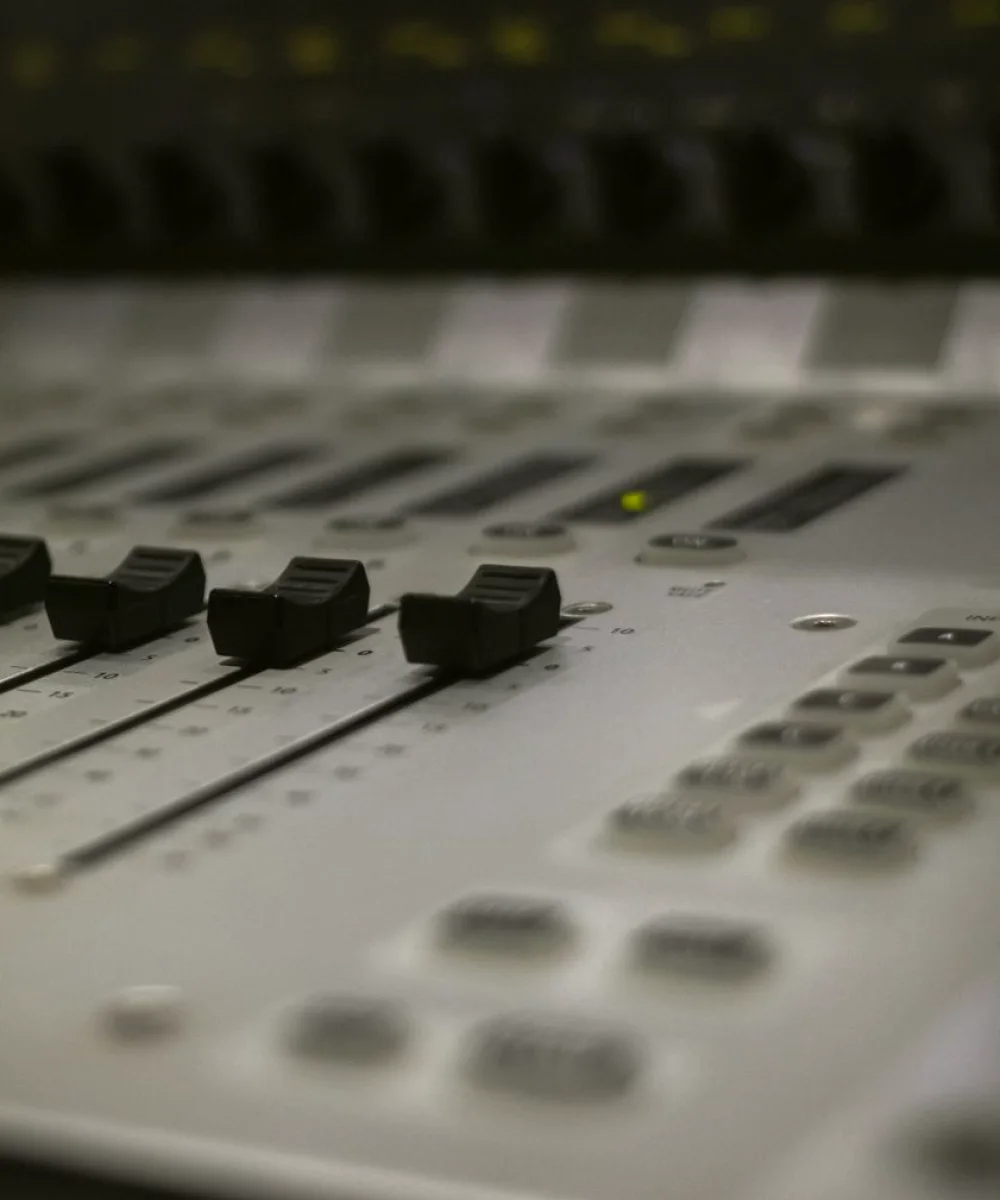
Why sync faults keep coming back
The cause is usually that nobody owns the timing of the whole chain. Microphones, desks, embedders, routers and monitors are each set up by a different person at a different time, and each adds a little delay. Small amounts stack up quietly, and nobody notices until a full rehearsal or a live show.
This article covers the mistakes I see most often, in roughly the order they appear in a production chain, and what to do instead. None of it needs new equipment, only a more deliberate routine.
Trusting your ears instead of measuring
The first mistake is judging sync by eye and ear in the gallery. Monitoring rooms are noisy, speakers and screens sit at different distances, and the people listening have usually heard the same test clip fifty times. Their perception adapts, and a delay of two or three frames becomes invisible to them.
Use a proper reference instead: a clapper, a test signal with a visible flash and an audible tone, or a dedicated sync tool that reads the offset between a known audio and video event. Record the result and write it down, so the next person starts from a number rather than an opinion.
Measure at the end of the chain as well as the start. A signal that is perfectly aligned at the desk can drift by the time it reaches the recorder or the outgoing feed.
- Use a flash-and-beep reference rather than programme material
- Write every measured offset down with the date and the path measured
- Check at the point of delivery, not only at the desk
Ignoring processing delay in the chain
Every piece of digital equipment takes a small amount of time to do its job. A frame synchroniser, an up-converter, a wireless microphone receiver and a digital mixing desk each add latency, and the figures are rarely the same for audio and video.
The common mistake is adding a new device and assuming it is transparent. A graphics unit or a converter slipped into the video path delays the picture but leaves the sound alone, so the audio now arrives early. People then compensate somewhere downstream and the fix hides the real cause.
Keep a simple list of every device in the path with its stated delay, and update it whenever the chain changes. When the picture is delayed, delay the audio by the matching amount at one agreed point, and only one.
Mixing up clocks and sample rates
A second family of faults comes from digital audio devices that are not locked to a common reference. Two desks or interfaces running on their own internal clocks will slowly drift apart, and the problem shows up as a gradual slip over a long recording rather than a fixed offset.
Teams often notice this only after an hour of recording, when the start is in sync and the end is not. Reshuffling cables rarely helps, because the fault lies in timing rather than in the signal itself.
Distribute one reference to everything that needs it, and confirm each device is actually set to follow it rather than assuming so. Check sample rates match across the chain as well, since a silent mismatch between 44.1 and 48 kHz produces exactly this kind of slow drift.
- Lock every digital audio device to a single shared reference
- Confirm each unit shows it is following the reference
- Match sample rates across all devices before recording
Changing things during a live show
The most costly mistake is making a timing adjustment while the programme is running. A well-meaning operator nudges a delay to fix a perceived problem, and the correction itself becomes a new fault that the audience hears.
Treat sync settings like any other locked configuration. Agree them at line-up, record them, and change them only between rehearsals or during a break with a named person in charge. If something sounds wrong live, report it and carry on, then investigate once the show allows.
Wireless microphones deserve particular care here. Moving a presenter or changing a receiver channel can alter the path length slightly, so recheck after any change to the radio setup before going to air.
Skipping a routine check before every session
Finally, many teams fix a sync problem once and then never look again. Equipment gets patched differently, firmware updates change latency, and a spare cable replaces the usual one. Weeks later the same fault returns and nobody remembers the original fix.
A short routine before each session avoids this. Run the reference signal through the full chain, compare the offset with the last recorded figure, and investigate any change before it becomes a complaint. The whole check takes a few minutes once it is a habit.
Keep the notes somewhere the whole crew can find them. A record of past measurements turns a mysterious drift into a quick comparison and shortens fault-finding considerably.
- Run the reference through the whole chain at the start of each session
- Compare with the last recorded offset
- Keep measurements where every operator can read them
Most audio synchronisation faults are not mysterious. They come from judging by ear, forgetting processing delay, leaving devices on separate clocks, adjusting mid-show, and never rechecking. Measure with a reference, list every delay in the chain, share one clock, lock settings during the programme and repeat a short check before each session. Do that consistently and viewers stop noticing the sound, which is exactly the aim.
Further reading
-
How a Lighting Plot Is Built, Rigged and Tuned Before the Presenter Arrives
A walk through the working day of a studio lighting plot, from the first sketch of the set to the last dimmer check before the presenter walks on.
-
The Tools We Use to Review a Working Gallery
A look at the checklists, signal tools and monitoring methods we rely on when reviewing control room workflows, and why we keep the kit list short and the method clear.