
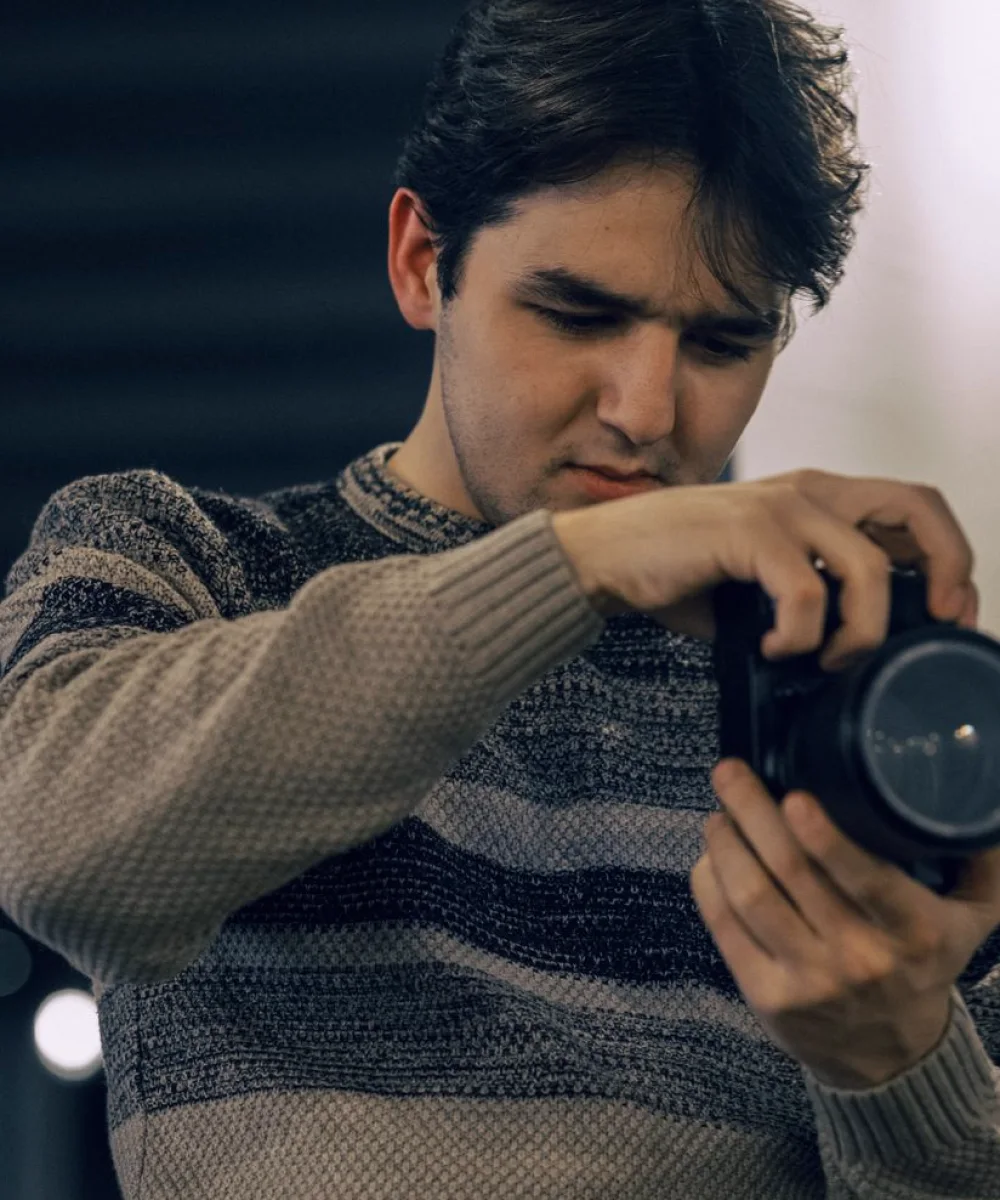
Why autumn is the right time for a camera review
A short, planned review now costs far less than chasing faults during a live run. It also gives you a clean reference point for the winter, so when something looks different in January you can compare against a known good state rather than argue from memory.
The aim of this guide is narrow. It covers what to check, in what order, and what to write down. It does not try to redesign your studio.
Start with a written baseline
Before touching anything, record the current state of every camera: lens settings, white balance preset, gain, shutter, detail and gamma choices, and the camera control unit assignment. Photograph the back panel connections as well. This sounds fussy, but a baseline turns a vague feeling that cameras look different into a concrete list of what changed.
Do this with the studio in its normal lit state, using the same chart and grey card for every camera. Keep the sheet somewhere the whole gallery can reach, and date it in the file name so later reviews can be compared in sequence.
If two cameras already disagree on a setting that should be identical, note it but do not fix it yet. Correct things only after you have the full picture, otherwise you risk fixing one fault while hiding a second.
- Record each camera's settings before any adjustment
- Use the same chart and grey card for every unit
- Photograph rear panel connections
- Note disagreements first, correct them afterwards
Lens checks that catch most problems
Work through each lens in turn. Check that zoom and focus demands move smoothly through their full range, and that the back focus holds when you zoom from wide to tight on a sharp target. A lens that softens at the long end usually needs a back focus adjustment, and it is far easier to find that on a chart than on air.
Look at the glass and the rear element for dust and fingerprints, and clean only with proper lens materials. Cold, damp weather makes condensation more likely when equipment moves between a heated studio and a cold loading bay, so allow cameras and lenses time to settle before powering up for a shoot.
Finally, confirm that any servo demands feel the same from one operator position to the next, since uneven demand response shows up as inconsistent moves on screen.
Tally, intercom cues and camera control
Tally faults are easy to miss in a quiet rehearsal and embarrassing in a live show. Cycle every camera through program and preview from the vision mixer and watch both the viewfinder and the studio tally lamp. Confirm that colours and priorities behave as the gallery expects, particularly if the mixer firmware or the routing has changed since the summer.
Then look at camera control. Open each camera control unit and confirm that iris, black level and colour balance respond in the right direction and by the right amount. If your studio uses remote heads, check pan and tilt limits and stored positions after any rigging work done over the quiet months.
Write the results onto your baseline sheet beside each camera, so the next person to open it knows what has already been verified.
- Cycle each camera through program and preview
- Compare viewfinder tally with studio lamp
- Test iris and black level response on every control unit
Matching pictures under changing studio light
Once the cameras are mechanically sound, match them to one another. Put the grey card and a colour chart in front of each camera under the standard studio lighting state and compare on a calibrated monitor and a waveform display. Aim for the same exposure level and the same colour response on all units before you make any creative adjustments.
Winter programming often brings darker sets and warmer looks, so also check how each camera behaves with the lighting states you expect to use most. If one camera drifts toward green or magenta in low light, note the gain at which it happens. That information helps whoever plans lighting later, and it keeps cameras and lighting from being blamed for each other's behaviour.
Save a matched set of presets for the standard state and label them clearly.
Leaving the gallery ready for the busy run
Finish by saving everything. Store camera presets, back up control unit settings, and file the baseline sheet with the review date. Share a short summary with the gallery team describing what changed, what was left alone and what still needs attention, so nobody is surprised by a setting they did not expect.
Agree who is allowed to change shared presets during the season. Many drifting pictures trace back to well meant tweaks made for a single programme and never reversed. A simple rule, such as returning to the saved preset at the end of each recording day, prevents most of them.
Put a second, shorter check in the diary for the middle of winter. It will take far less time than this one, because you will already know what good looks like.
- Back up presets and control unit settings
- Agree who may change shared presets
- Return to saved presets after each recording day
A camera review in these weeks is not glamorous work, but it protects every show that follows. Write down the baseline, check lenses and tally, match the pictures under your usual light and save a clean set of presets. Then the gallery can spend the busy months on programmes rather than on tracing why one camera looks different from the rest.
Further reading
-

Setting Up a Studio Camera for Consistent Pictures, Step by Step
A practical walk through camera, lens, tally and camera control setup in the order that saves time, so every shot in a studio matches from the first rehearsal to the last take.
-
Tally, Cue and Talkback: Gallery Terms Explained in Plain Words
A short glossary of the words heard most often in a working gallery, from tally and cue to talkback and take, explained so a new crew member can follow along.